Example use of the program:
•We would like to convert 100 feet (ft) to millimetres.
Below are the instructions for doing that using EngiLab Units:
1. First, we select the unit category with the radio buttons on top.
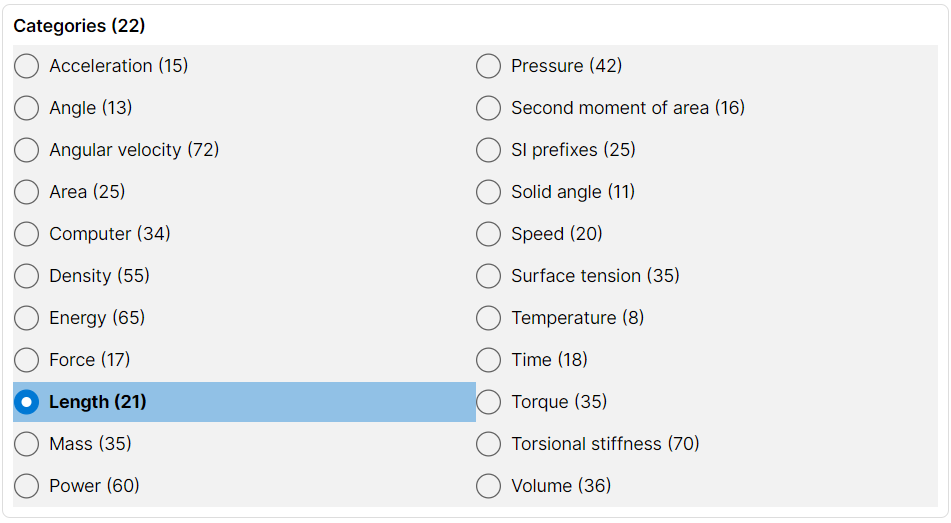
In this case, we select the "Length - Distance" category above.
2. We select the input unit from this category, using the input combo menu
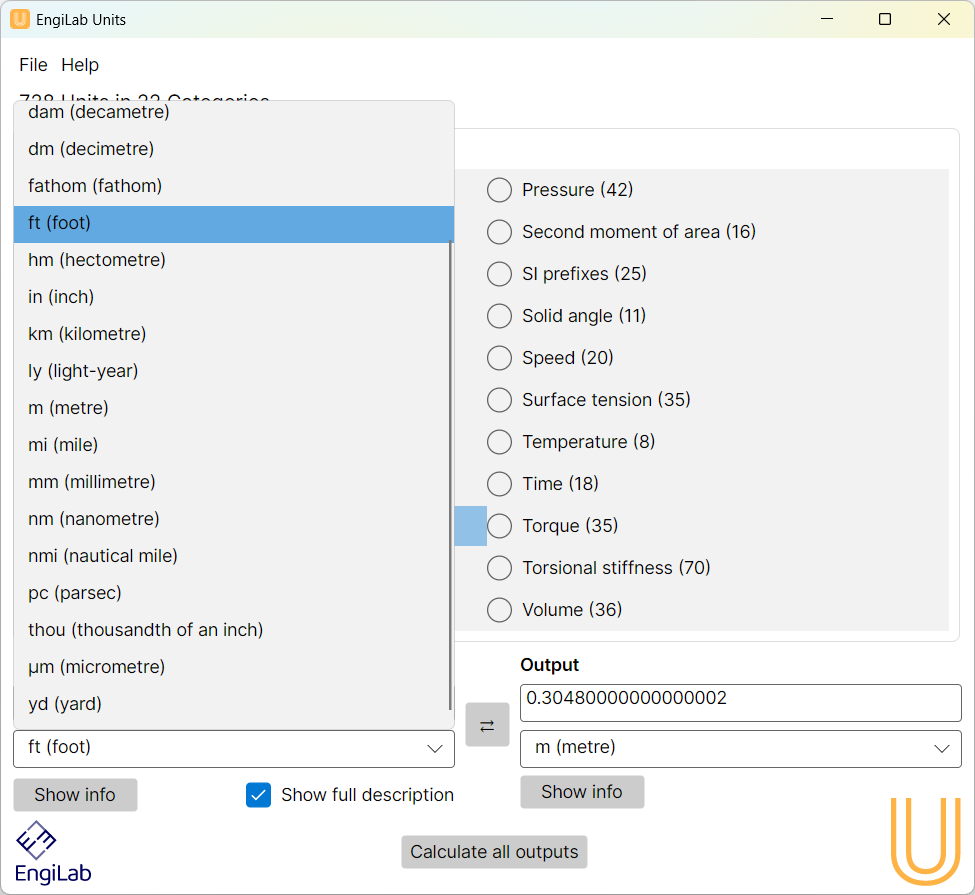
In this example, we select the "foot (ft)" unit.
3. We type in the value of the length in feet, as shown below.
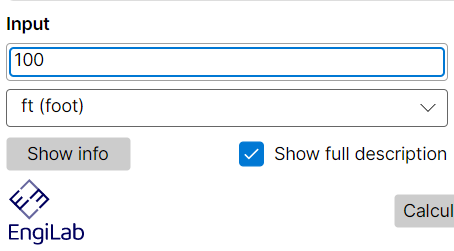
After typing the value, you will get the result in the Output text box. You do not need to press the ENTER key as the program does the conversion on the fly.
4. We select the output unit from the category, using the output combo menu
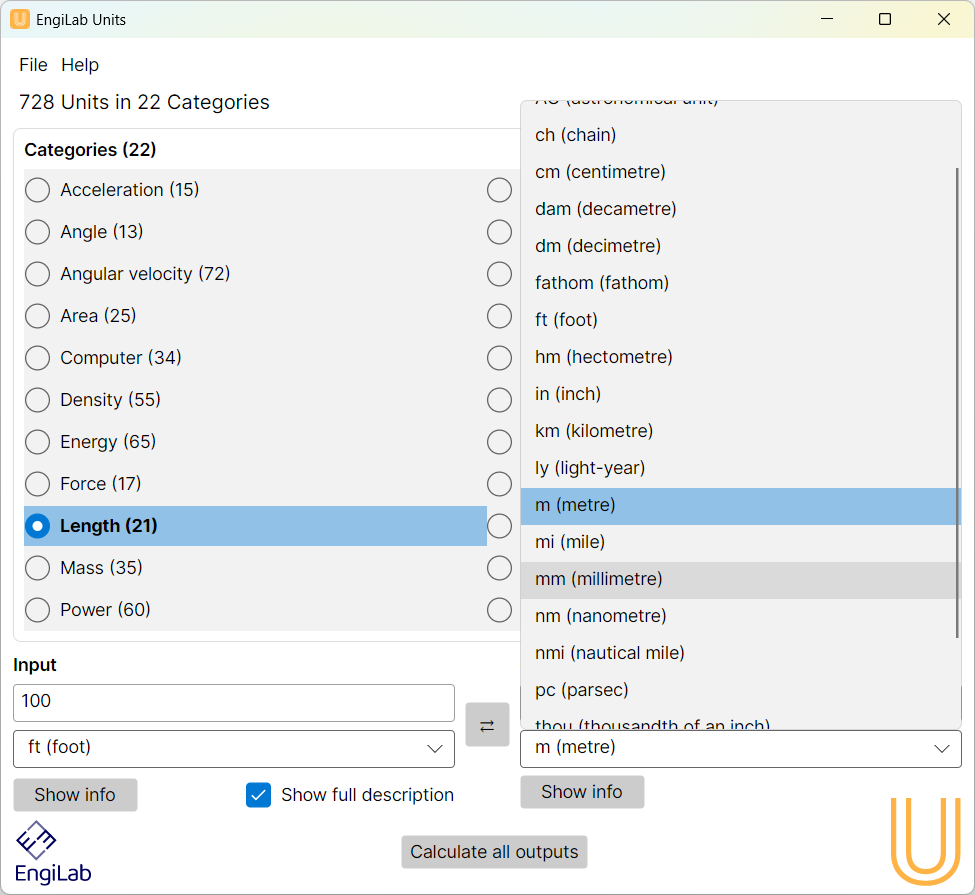
5. The result appears in the Output text box
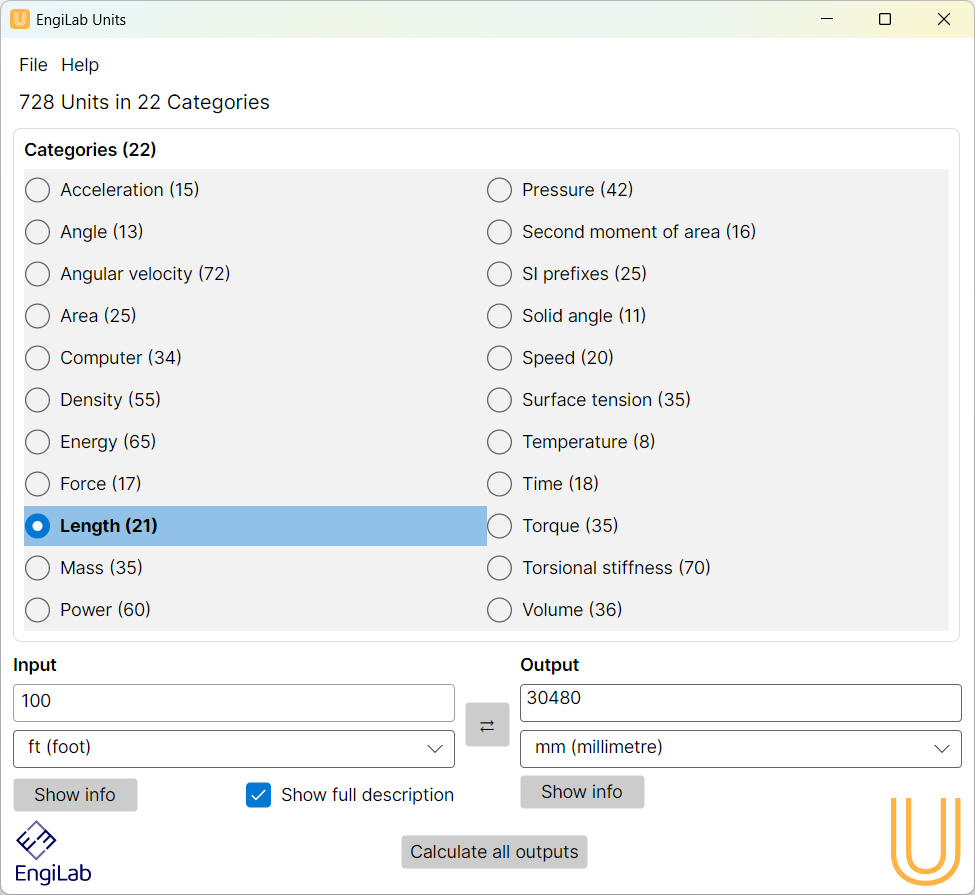
As shown above, in this example, the result is: 100 ft = 30,480 mm