Often, it is useful to check the definition of a specific unit or learn more about its background, historical origins, or applications. To make this process easier, EngiLab Units provides direct links to relevant Wikipedia articles for many units. Instead of the older built-in browser, the program now (v6.0.0) uses your system’s default web browser.
Whenever you click the “Show info” button (for either the input unit or the output unit), EngiLab Units automatically opens the corresponding Wikipedia page in your regular browser.
Example
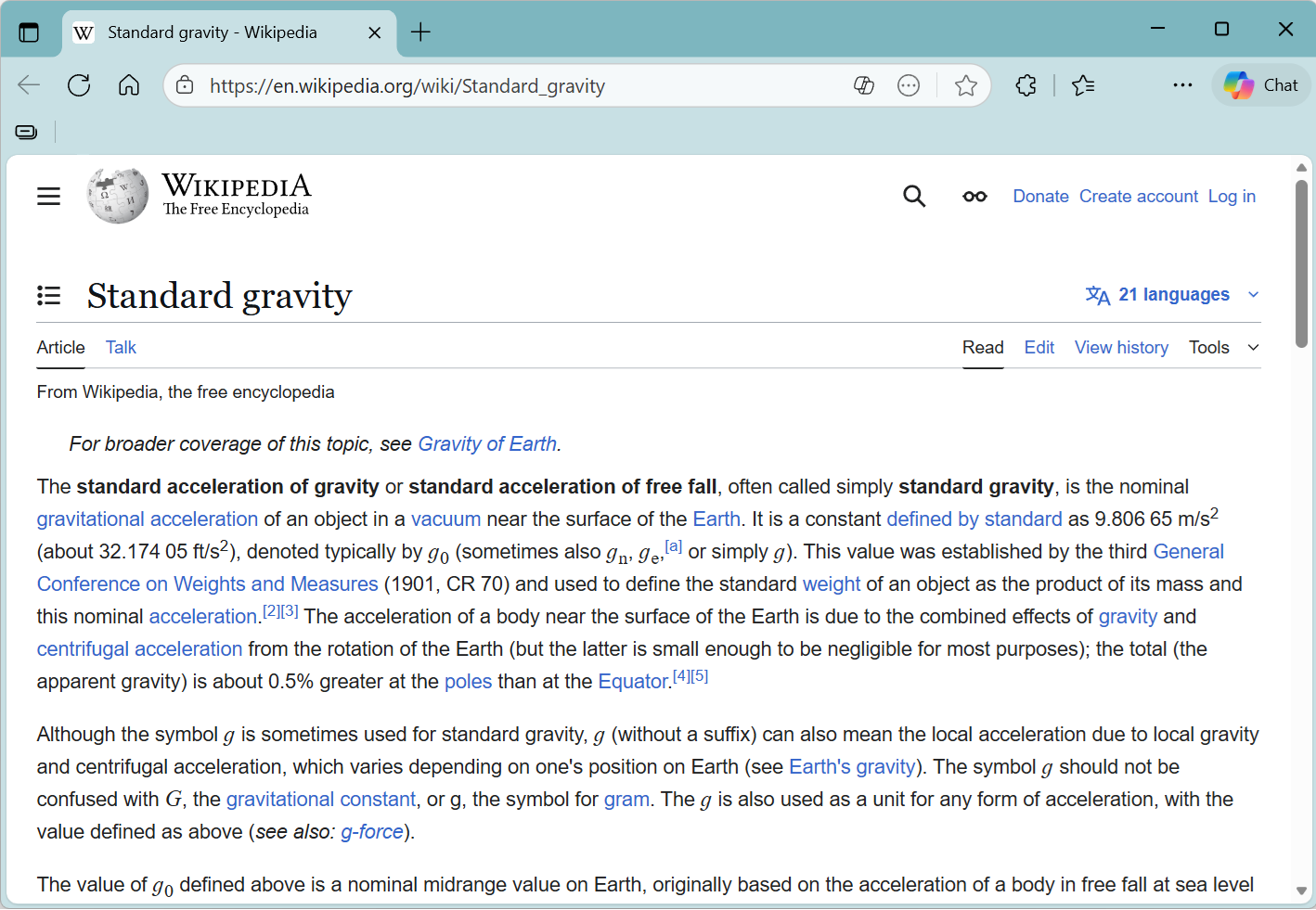
In the example below, we click “Show info” for the unit ‘Standard gravity’. EngiLab Units immediately opens the corresponding Wikipedia article in the default browser.
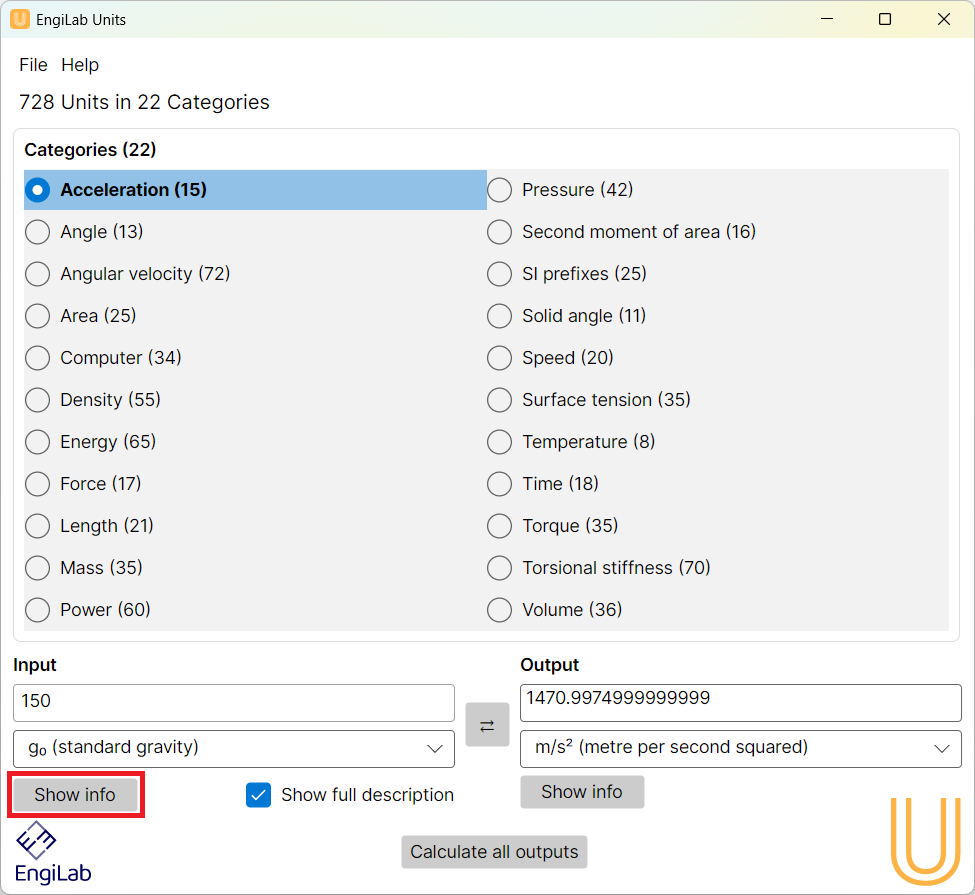
Usually, we need to check the definition of a unit or study more about the specific unit, its origins, use and others. Instead of having to google using a separate browser, EngiLab Units features a built-in web browser with ready-to-use links to Wikipedia articles for certain units. All one has to do is click the "Show info" button, either for the input or the output unit.
See for example the screenshot below which shows the Wikipedia article for "Standard gravity".
The system then opens the Wikipedia article:
Notes
•Not all units in EngiLab Units have a corresponding Wikipedia article. The “Show info” button is enabled only for units that either:
1.have their own dedicated Wikipedia page, or
2.are best explained through a related/general Wikipedia article.
•The same applies to all 22 categories of units. Clicking the “Show info” button for a category opens the Wikipedia article that corresponds to that category.